> For the complete documentation index, see [llms.txt](https://docs.livecaller.io/livecaller/llms.txt). Markdown versions of documentation pages are available by appending `.md` to page URLs; this page is available as [Markdown](https://docs.livecaller.io/livecaller/services/chatbot/action.md).
# Action
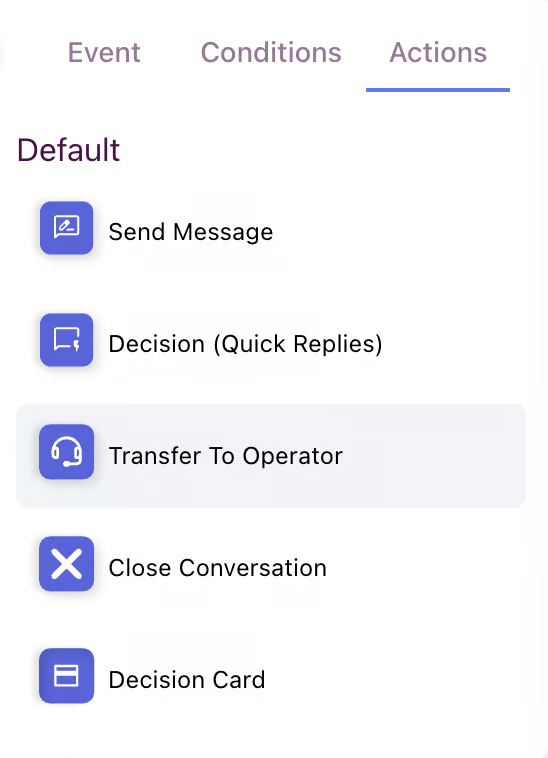
The **Action node** represents a step or task that the chat bot executes based on the events and conditions that have been evaluated. This is the execution point where the bot performs specific actions to respond to user questions, manage data, or interact with external systems.
## Send Message
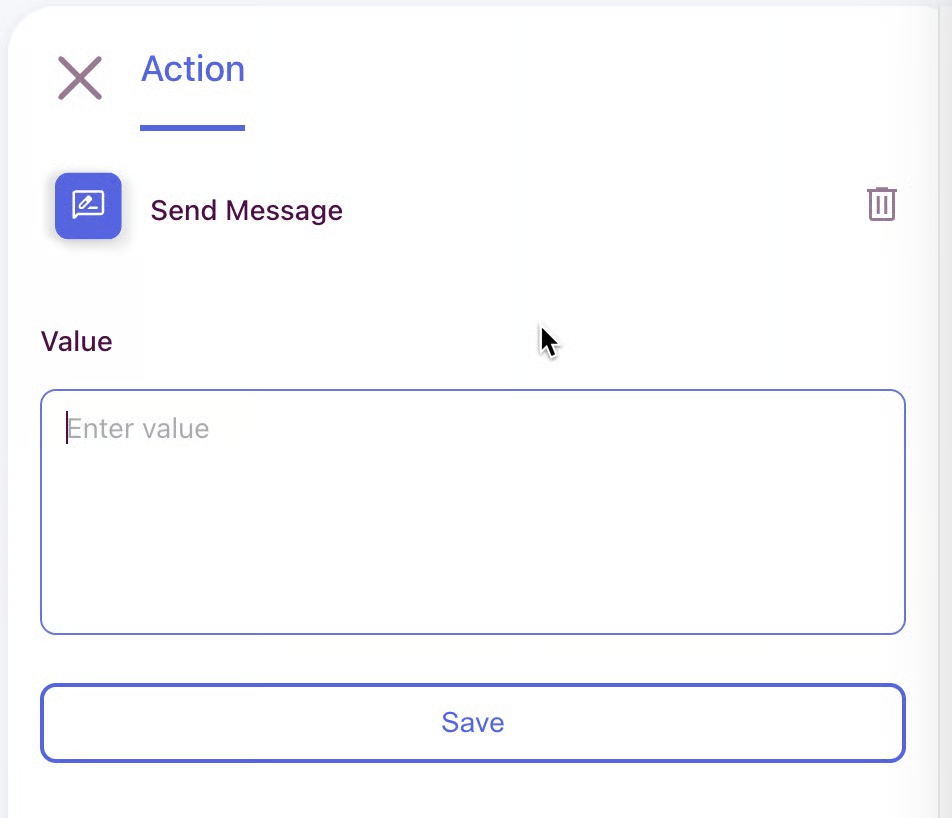
* It sends automatic text responses to users to provide information, instructions, or explanations.
## Decision (Quick Replies)
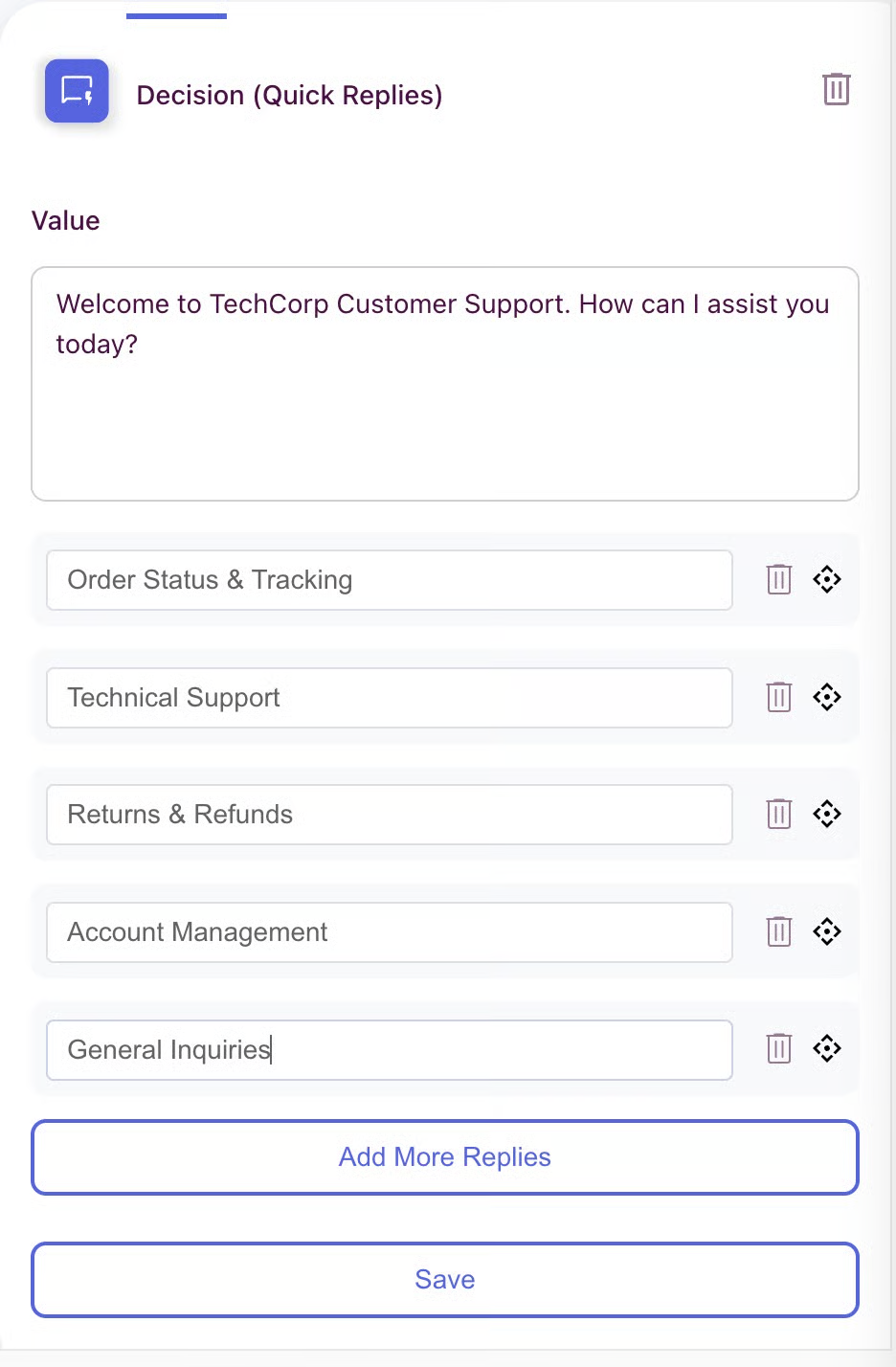
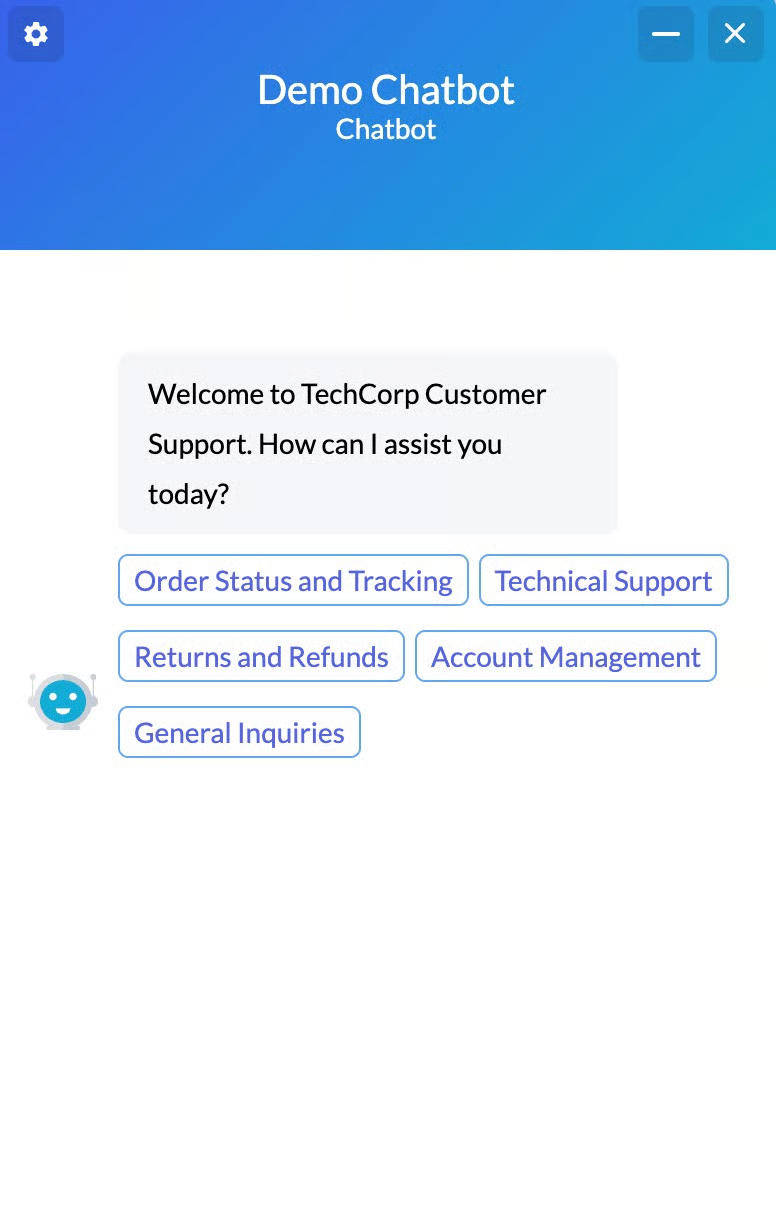
Displays multiple-choice buttons for users. It is used to guide users correctly based on support categories and available options.
{% columns %}
{% column %}
{% endcolumn %}
{% column %}
{% endcolumn %}
{% endcolumns %}
## Decision Card
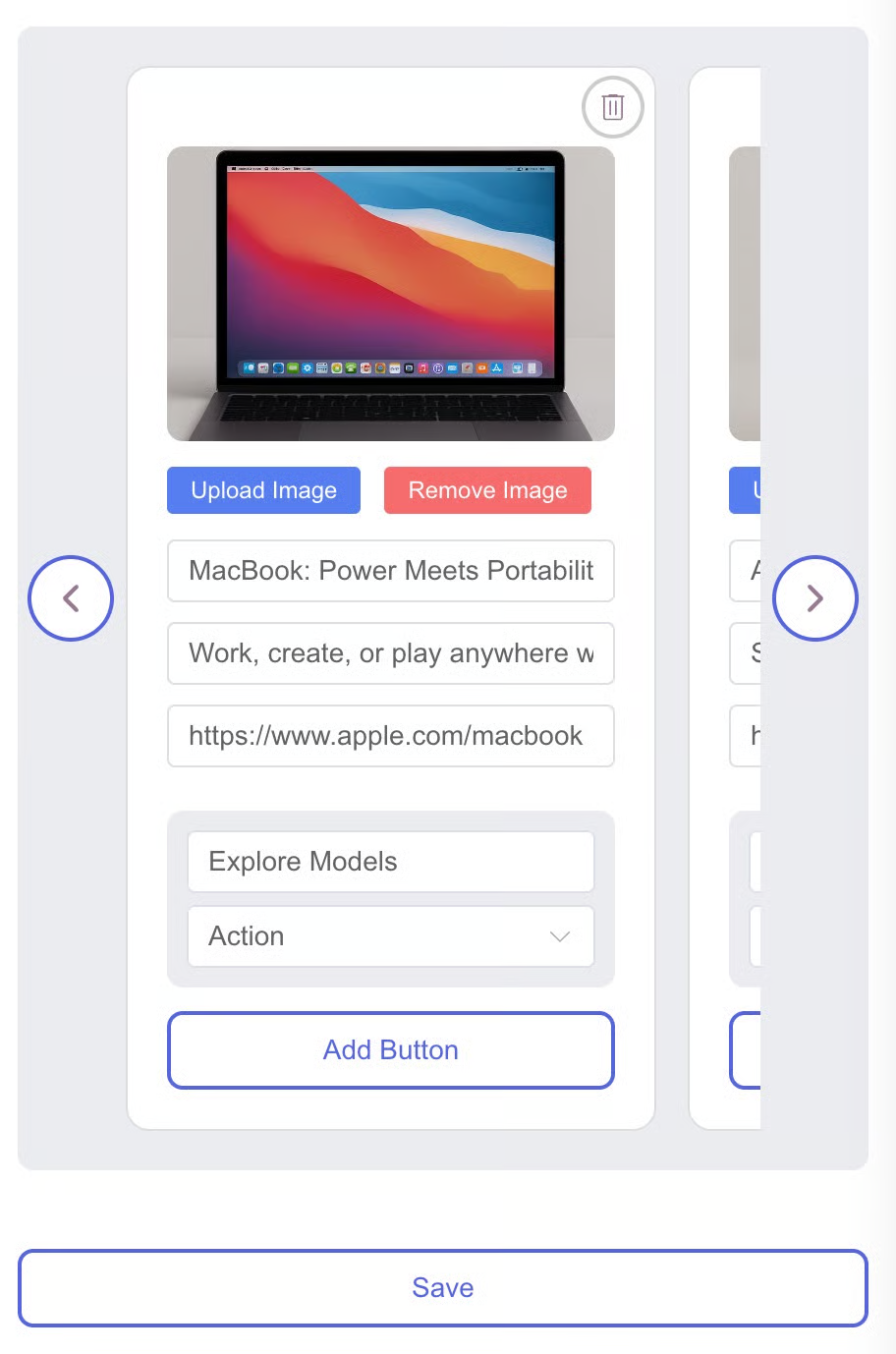
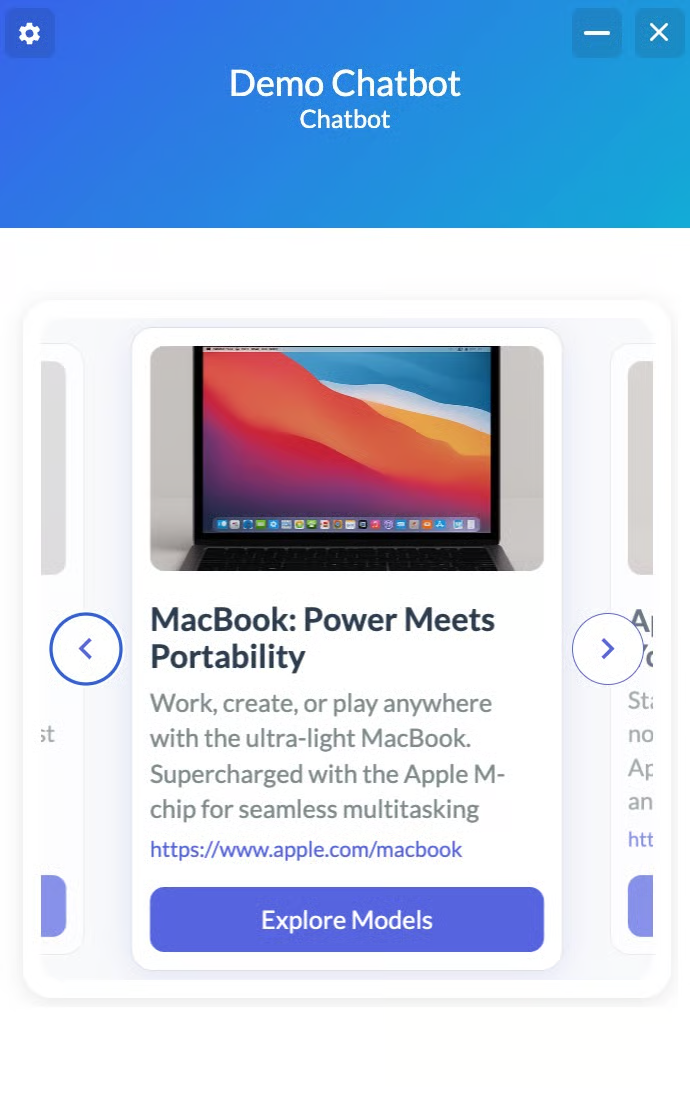
Displays options in a **visual card format**: with images, titles, descriptions, and links. Each card can include product photos, detailed text, URLs, and action buttons. It is used to showcase products, services, or rich content options.
{% columns %}
{% column %}
{% endcolumn %}
{% column %}
{% endcolumn %}
{% endcolumns %}
## Forward to Operator
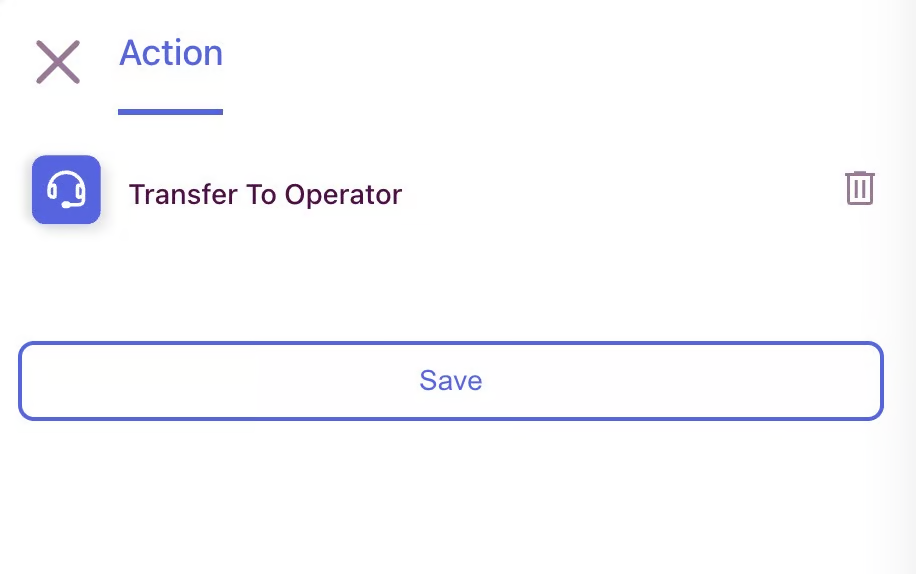
It connects users to online support operators for resolving complex issues that require personal assistance.
## Conversation End
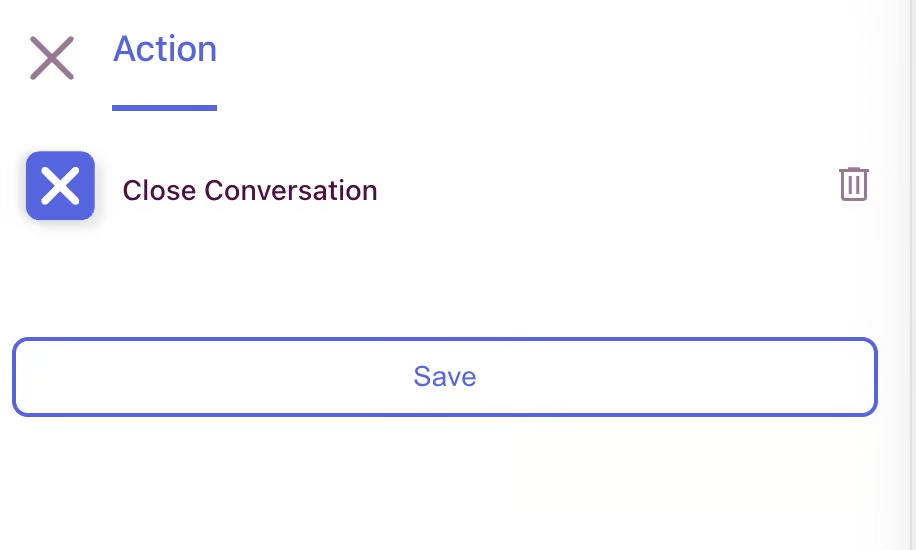
The conversation session ends when the user's issues are resolved or the chat is concluded.