> For the complete documentation index, see [llms.txt](https://docs.livecaller.io/livecaller/llms.txt). Markdown versions of documentation pages are available by appending `.md` to page URLs; this page is available as [Markdown](https://docs.livecaller.io/livecaller/services/integrations/facebook-messenger.md).
# Facebook Messenger
Redirect personal messages from Facebook to your LiveCaller inbox – keep all communications in one place and respond quickly to your leads and customers. Using the Facebook app, you can read, manage, and reply to all personal messages directly from the inbox. No more switching tabs or managing multiple queues.
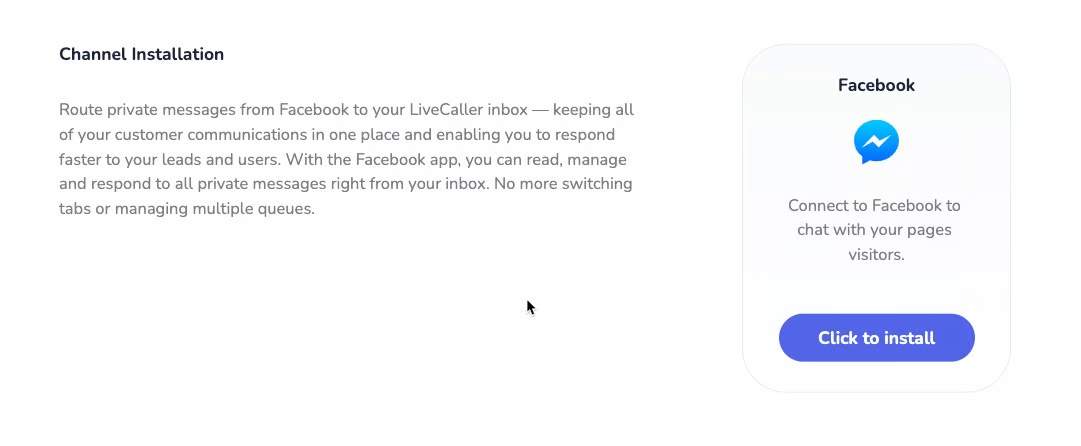
* Facebook Messenger ინტეგრაციისთვის უნდა გავიაროთ მარტივი ეტაპები პირველ რიგში დავაწვებით Click to install.
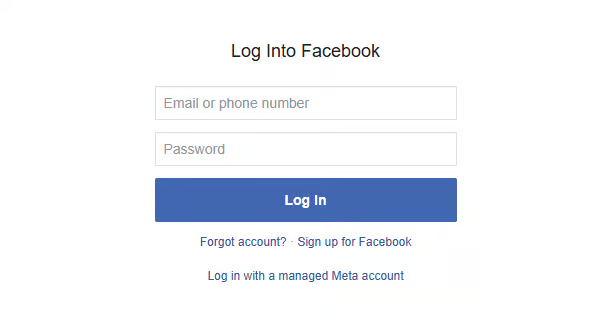
* Next, you will be automatically redirected to a page where you will complete authorization with the desired Facebook account.
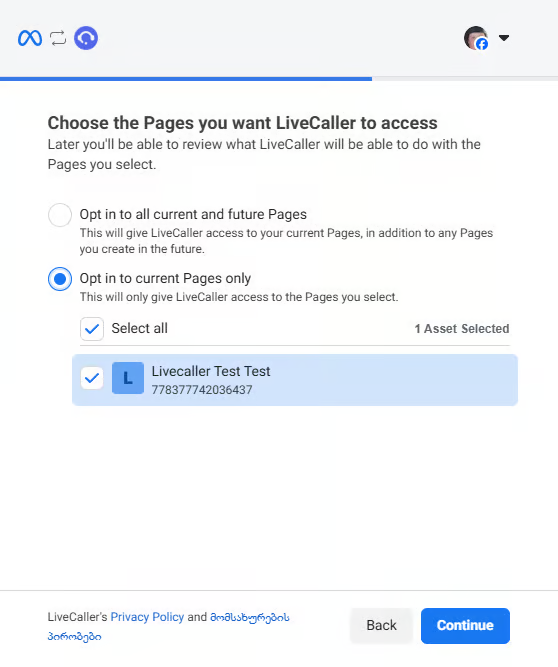
* After completing authorization, select the desired pages and click the **Continue** button. (These are the pages you want to integrate into the LiveCaller dashboard)
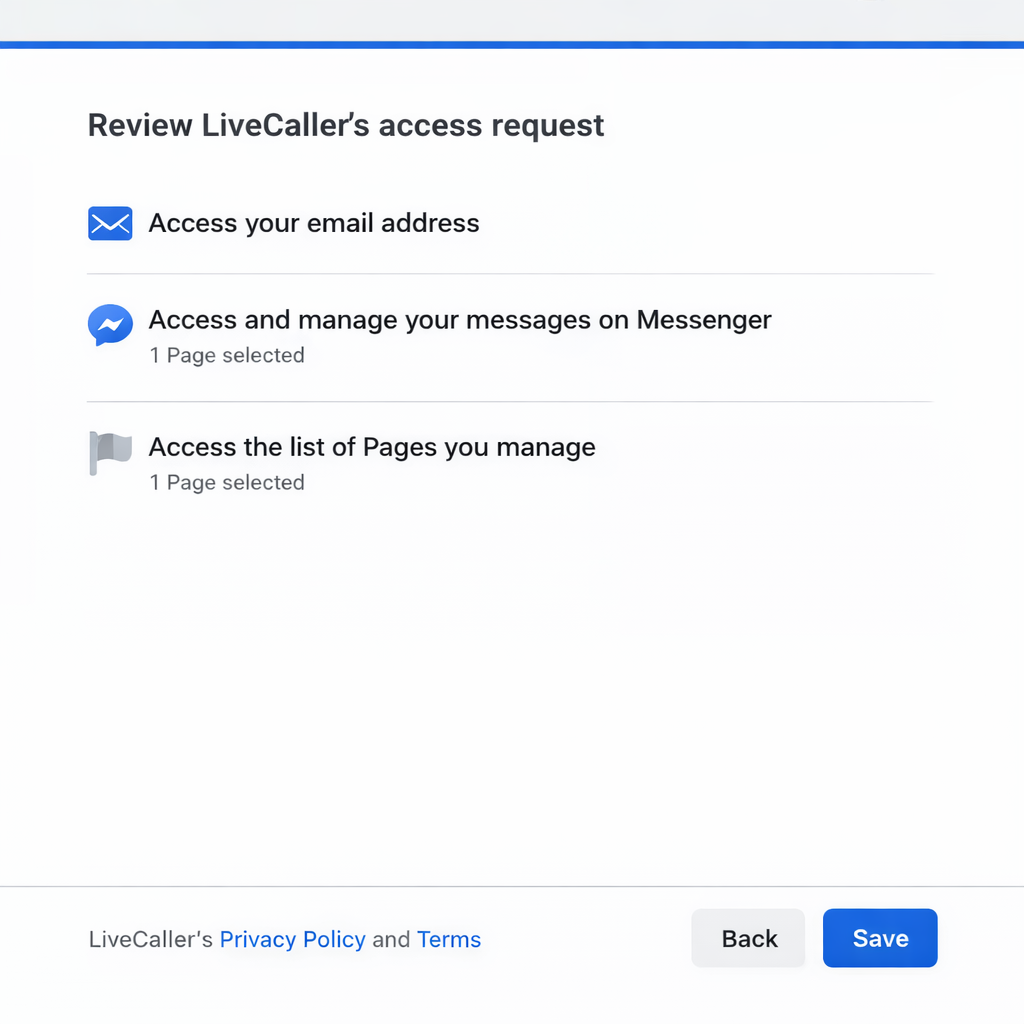
* Review LiveCaller’s access permissions and click the **Save** button.
After these simple steps, your Facebook page will be integrated into LiveCaller, and you will be able to communicate with customers directly from the dashboard without any issues.