> For the complete documentation index, see [llms.txt](https://docs.livecaller.io/livecaller/llms.txt). Markdown versions of documentation pages are available by appending `.md` to page URLs; this page is available as [Markdown](https://docs.livecaller.io/livecaller/services/integrations/instagram.md).
# Instagram
Connect your Instagram to LiveCaller.
To integrate your Instagram page into the LiveCaller Dashboard, you must have an **Instagram Business account**.
On Instagram, you can convert your personal profile or professional creator account into a business account to access features that help grow your business.
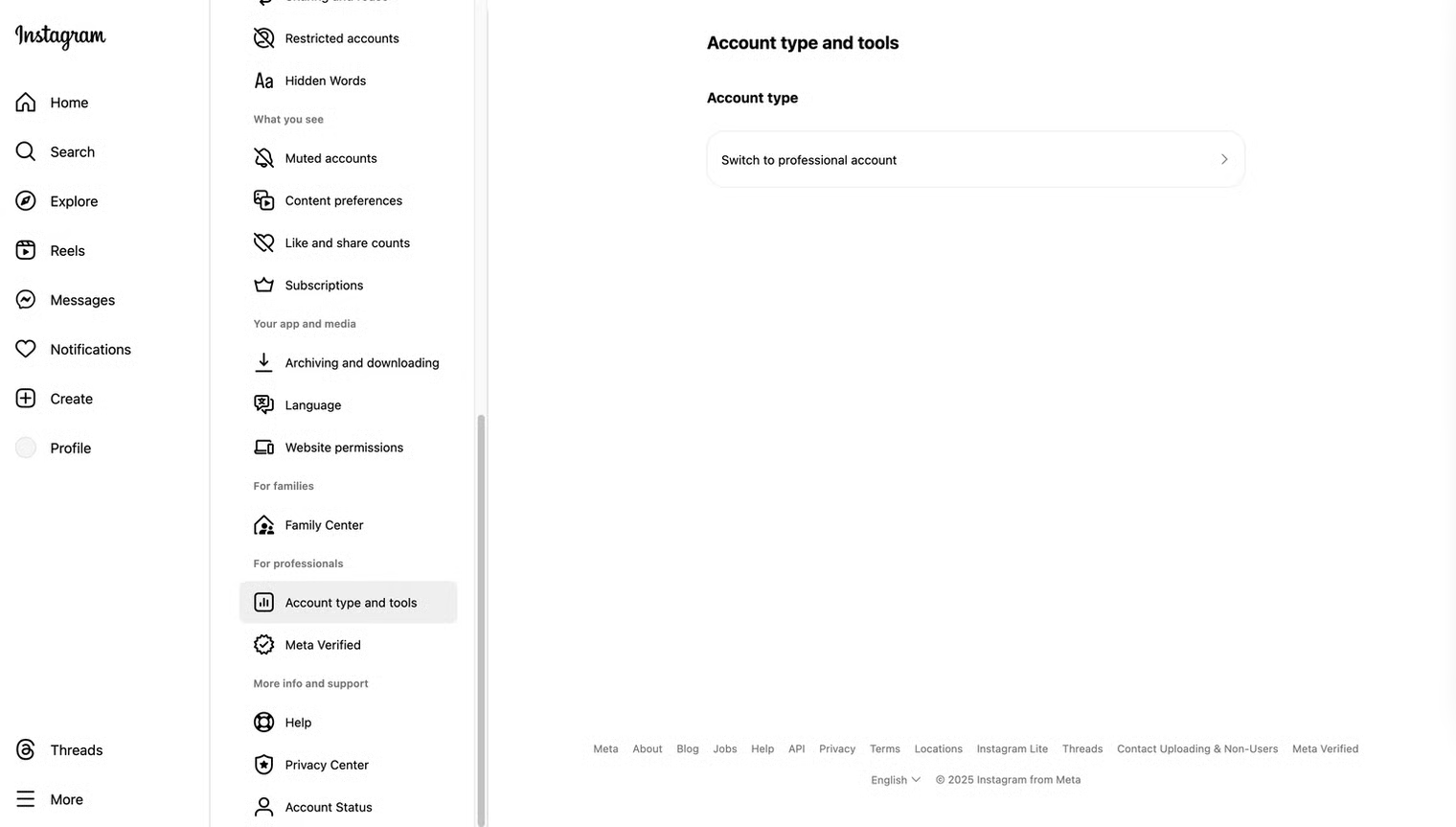
First, go to Instagram **Settings** and find the section called **Account Type and Tools**, then click the **Switch to Professional Account** button.
For more information, see Instagram’s official page: [**How to set up a business account on Instagram**](https://help.instagram.com/502981923235522)
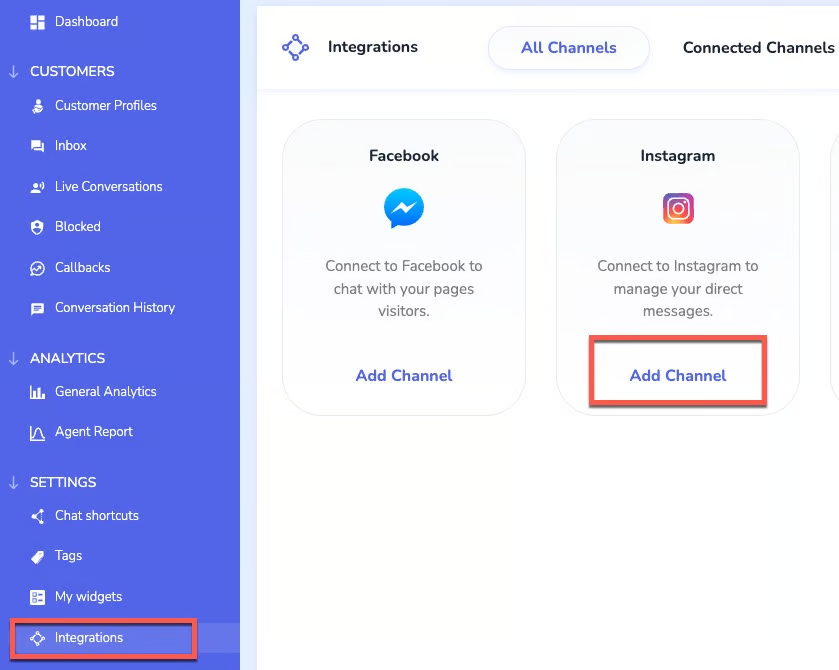
* Once you activate your business account, you can go to the **Integration** section and click the **Add Channel** button.
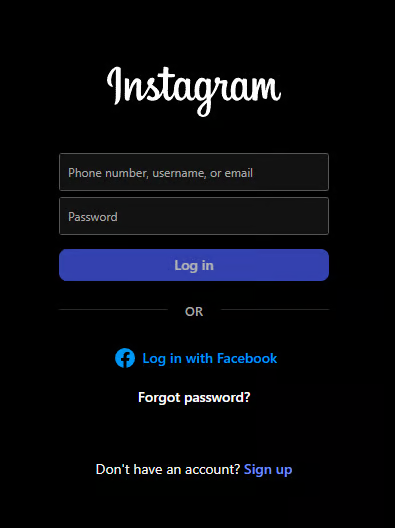
* Next, complete a simple authorization with the desired account (the account you want to integrate).
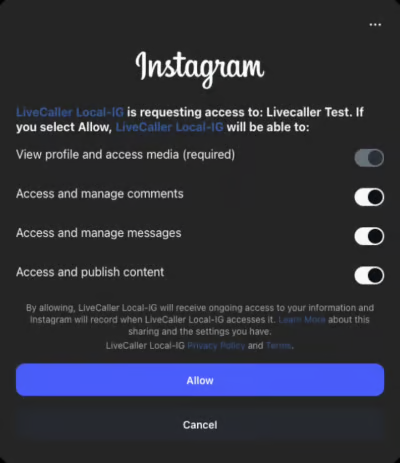
* After authorization, agree to the access permissions and click the **Allow** button. The integration will then be successfully completed.