> For the complete documentation index, see [llms.txt](https://docs.livecaller.io/livecaller/llms.txt). Markdown versions of documentation pages are available by appending `.md` to page URLs; this page is available as [Markdown](https://docs.livecaller.io/livecaller/widget-management/message-typing-preview.md).
# Message Typing Preview
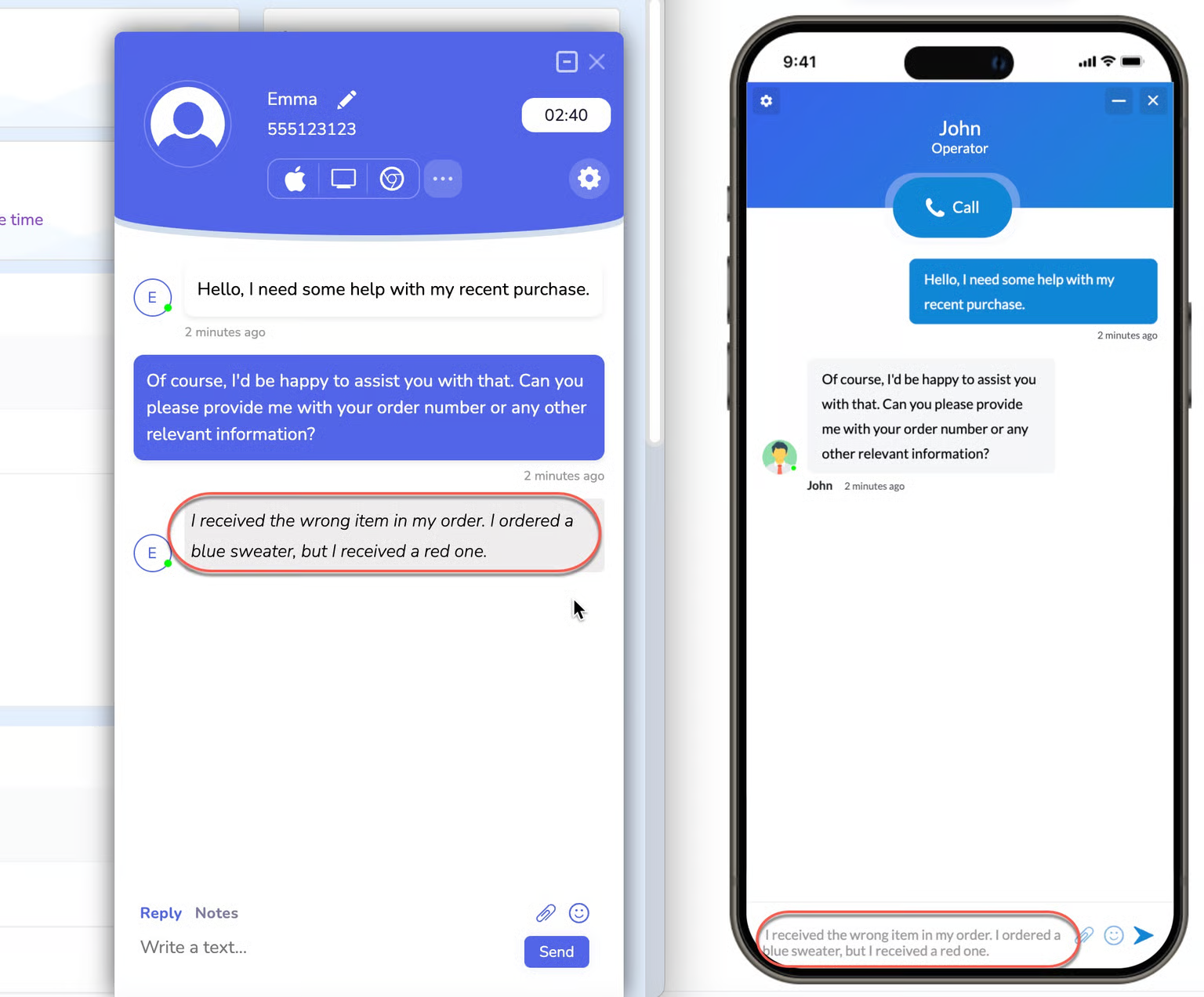
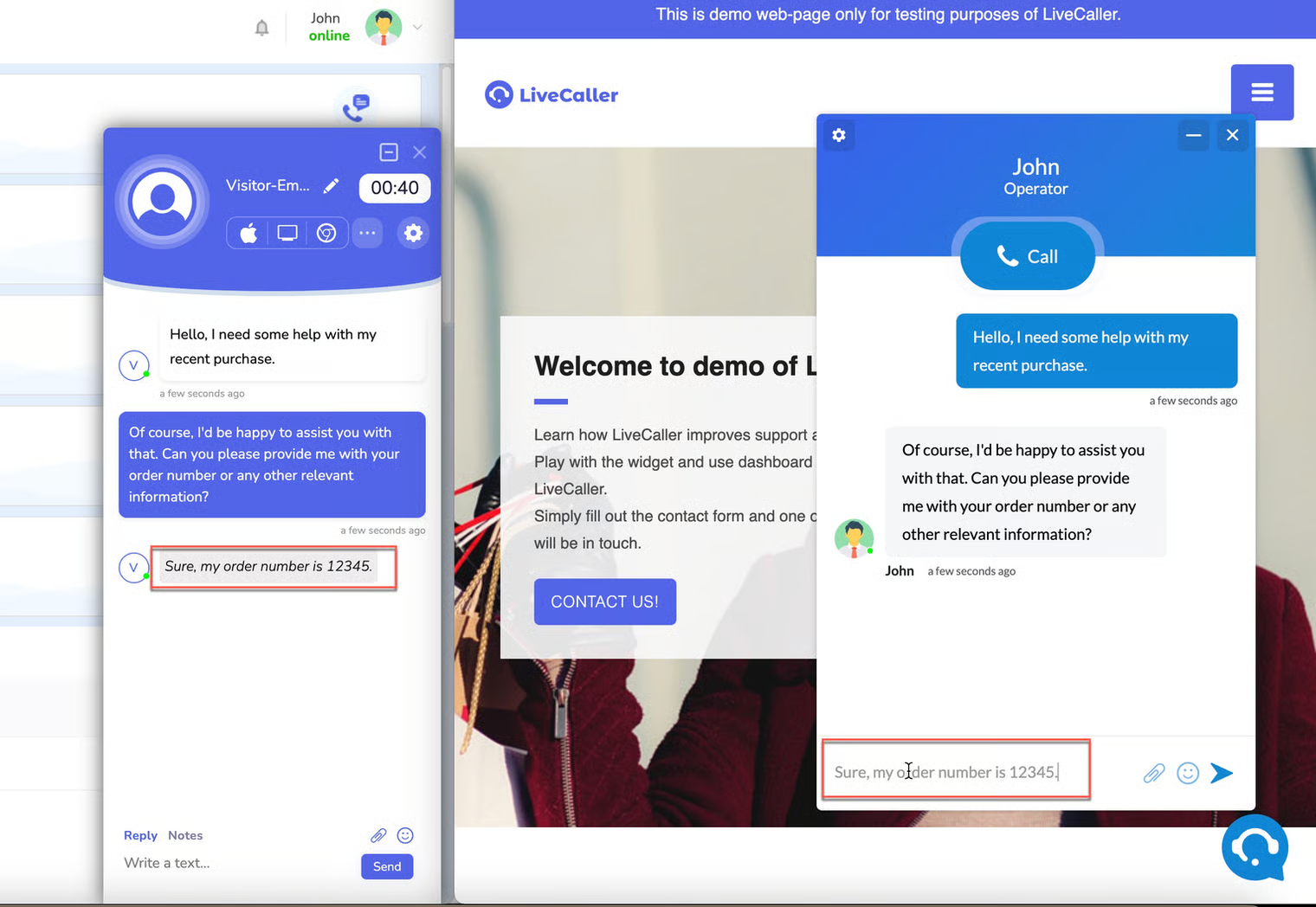
This feature allows agents to see in real time what users are typing. Everything the user types is visible to you before they send it. This enables you to quickly prepare a response and reply within seconds.
{% hint style="info" %}
This feature is available only in the Enterprise package.
{% endhint %}
In short, this feature gives agents the necessary time to analyze the situation and provide an accurate response quickly.
Before the user clicks the **Send** button, you have the ability to see in real time what the user is typing.